
You can search for your Processes, Tables, Reports, Dashboards, Folders and Files in the SolveXia Designer View.
How to use global search to search for resources
1. Sign in to SolveXia Designer View.
2. Open Navigation panel by clicking on Folders on the left.
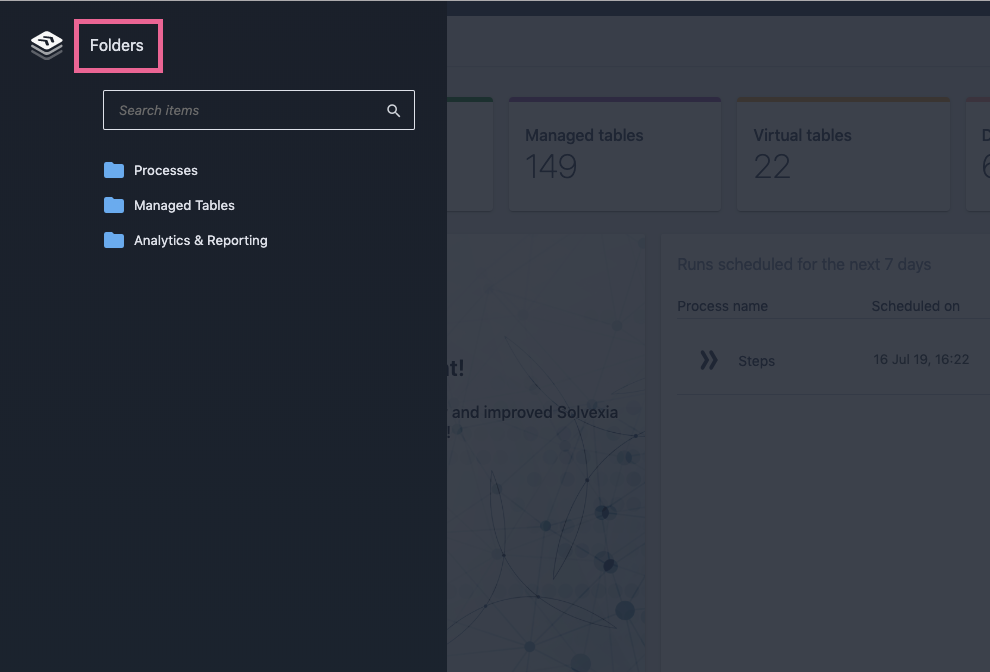
3. In the Search items box type in the name of the resource you want to search for.
- You will see the list of resources available for you which contain the search string in their names.
- Each item has a path for easy navigation.
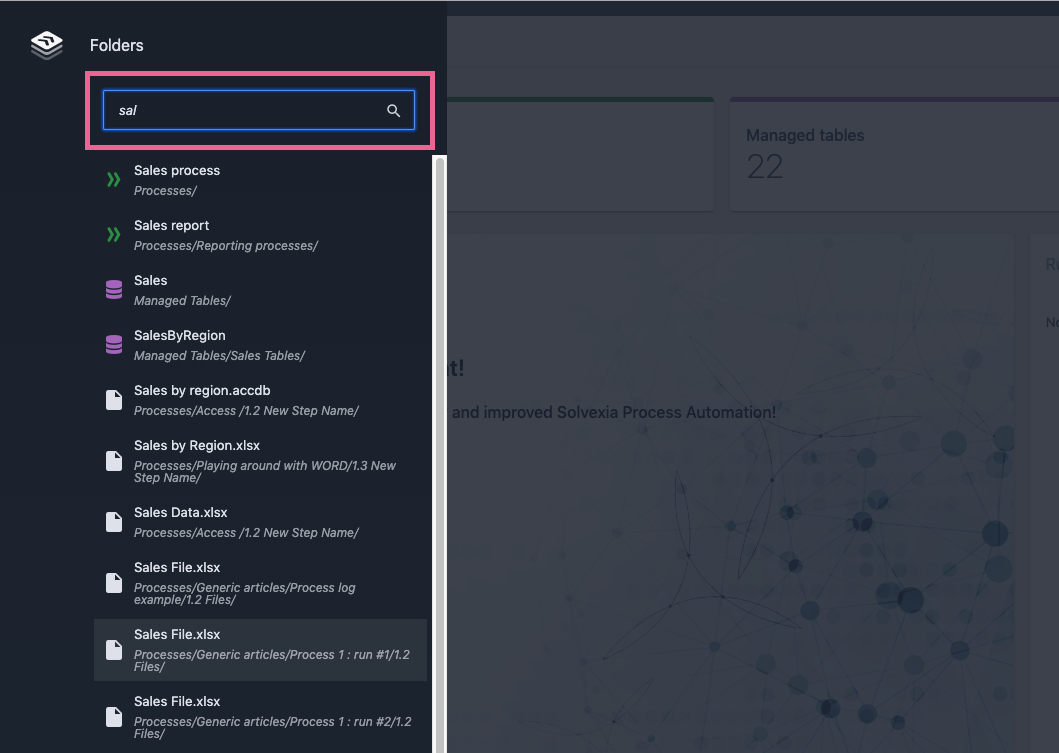
4. To open the resource simply click on it in the results list.
Comments
0 comments
Please sign in to leave a comment.