
This article will explain how to create a new process ‘from scratch’. You will likely want to do this when you are starting the automation of a new process. This will create a process with no steps in it. An alternative approach to getting started is to copy a process that already exists.
Step-by-step guide
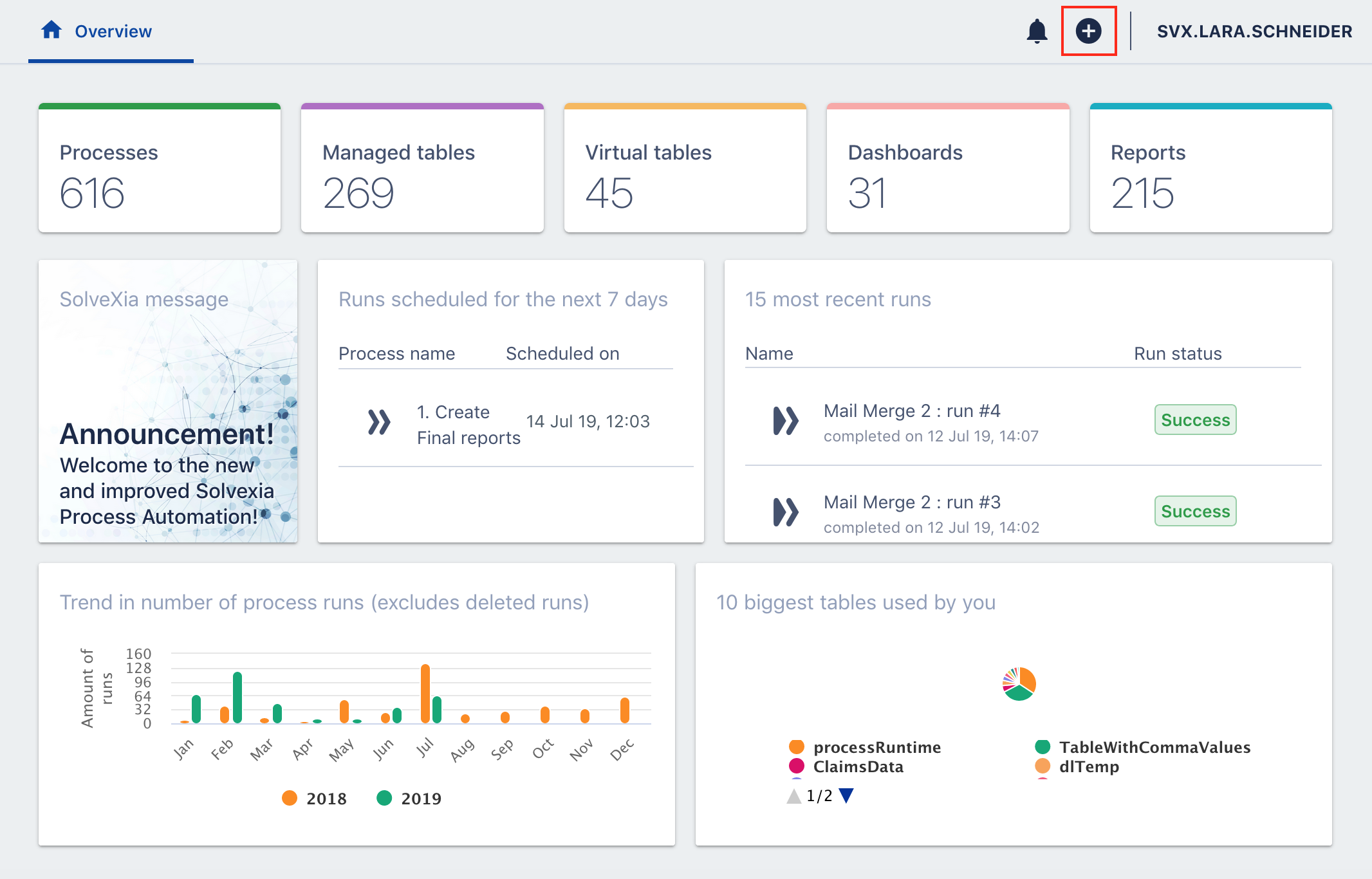
1. In the "Overview" menu click on the "+" ("Create" drop-down) in the top right corner.
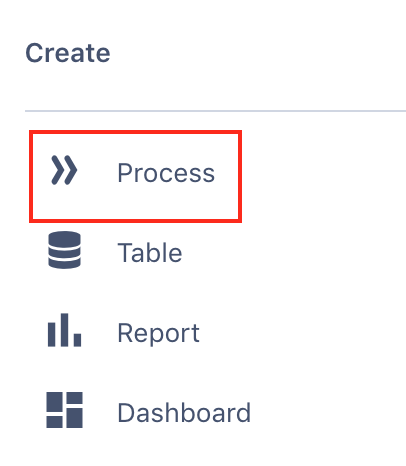
2. In the "Create" drop-down menu, click on "Process".
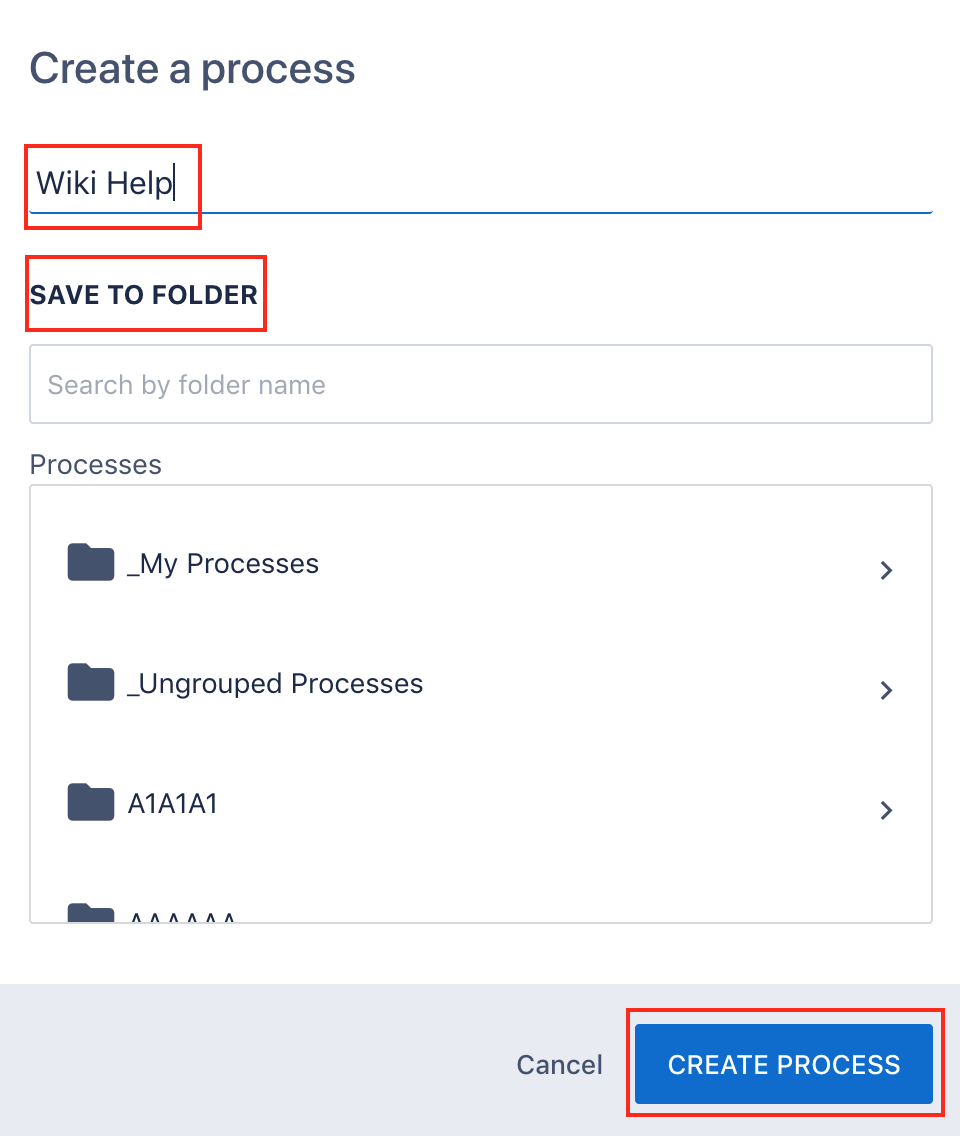
3. Here you can name your process and add it to a folder. Once completed, click on "Create Process".
Comments
0 comments
Please sign in to leave a comment.