
This article will explain how to open a process that already exists. The most common scenarios where you might want to open an existing process include (a) continuing with some process design work you have already started (b) to generate a process specification report (c) to alter the security settings for the process and (d) to run the process and/or work with it’s outputs.
Step-by-step guide
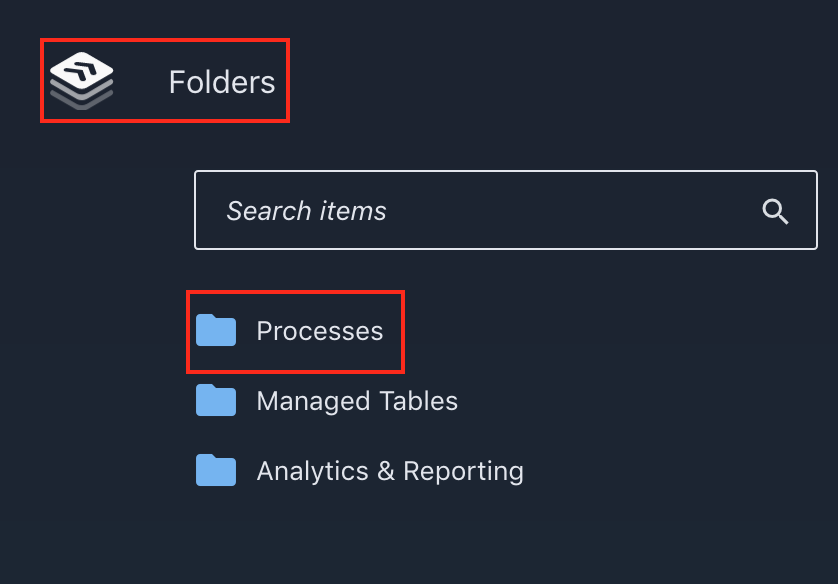
1. Navigate to 'Folders' and click on 'Processes'.
2. From there, scroll down the list of processes until you find the title of the process you are looking for. Alternatively, click on the folder the process was saved in and scroll until you see process' name. 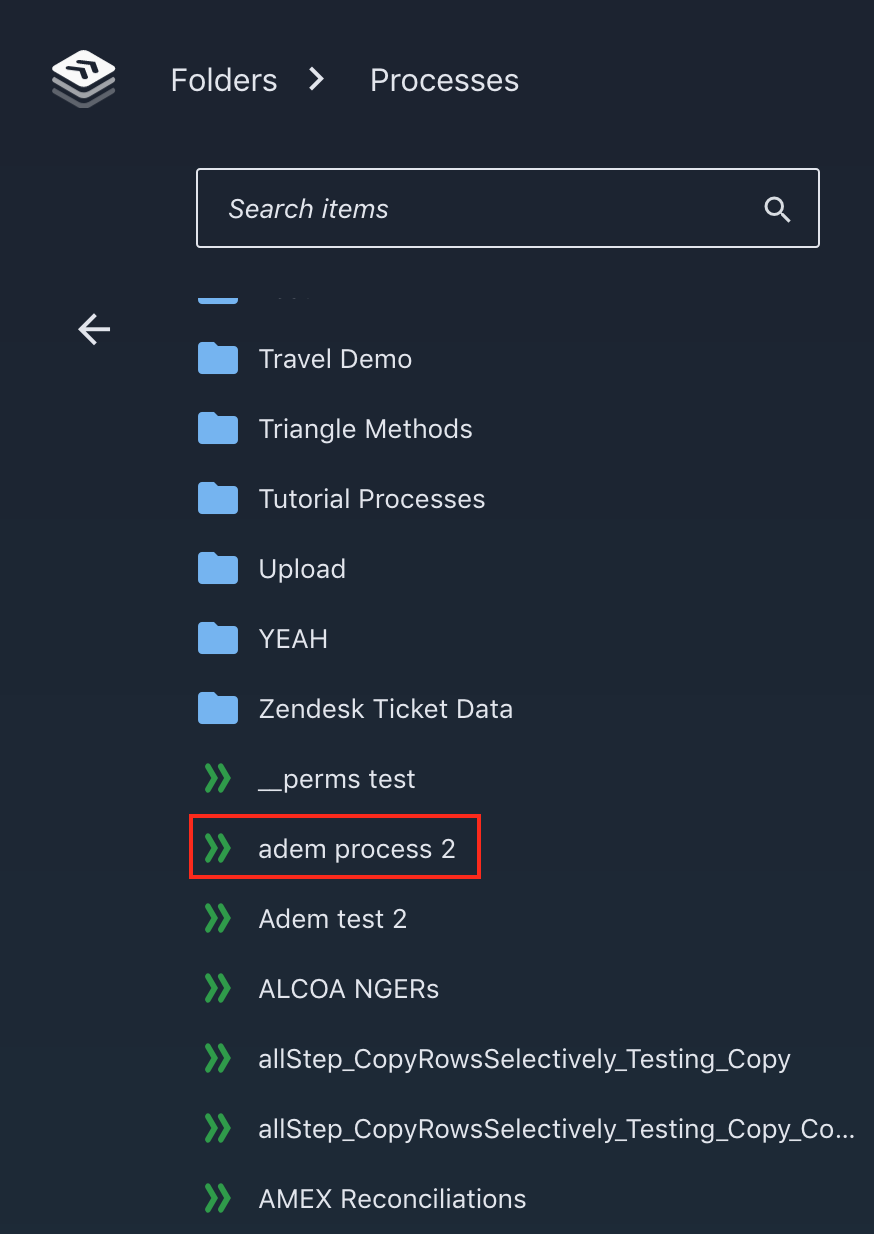
3. Click on process to open.
Comments
0 comments
Please sign in to leave a comment.