
The Copy from Word to PDF instruction allows a user to export a Word document as a PDF file.
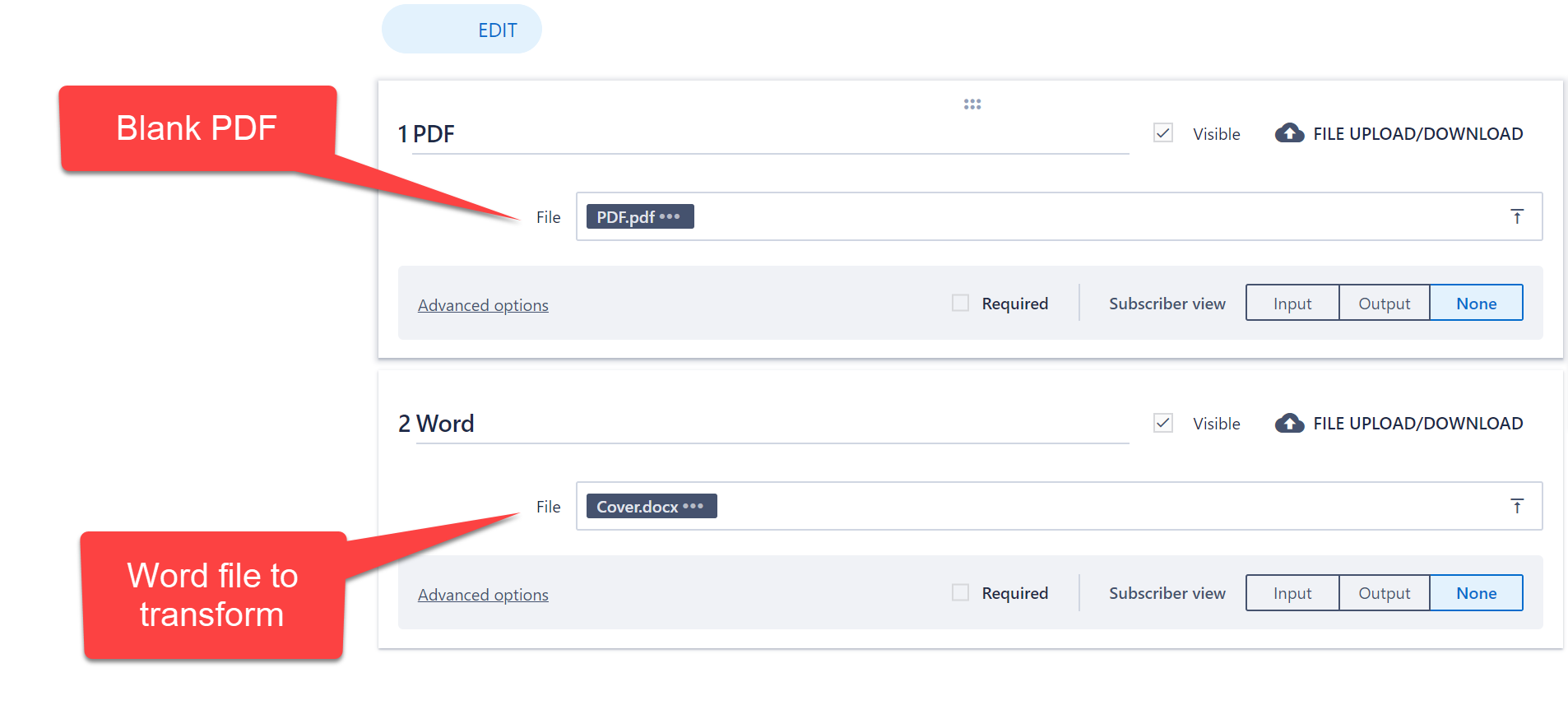
Firstly, create a data step and upload a blank PDF file as a placeholder as well as the Word document.
Create a Manipulate Data action step and select the Copy from Word to PDF instruction: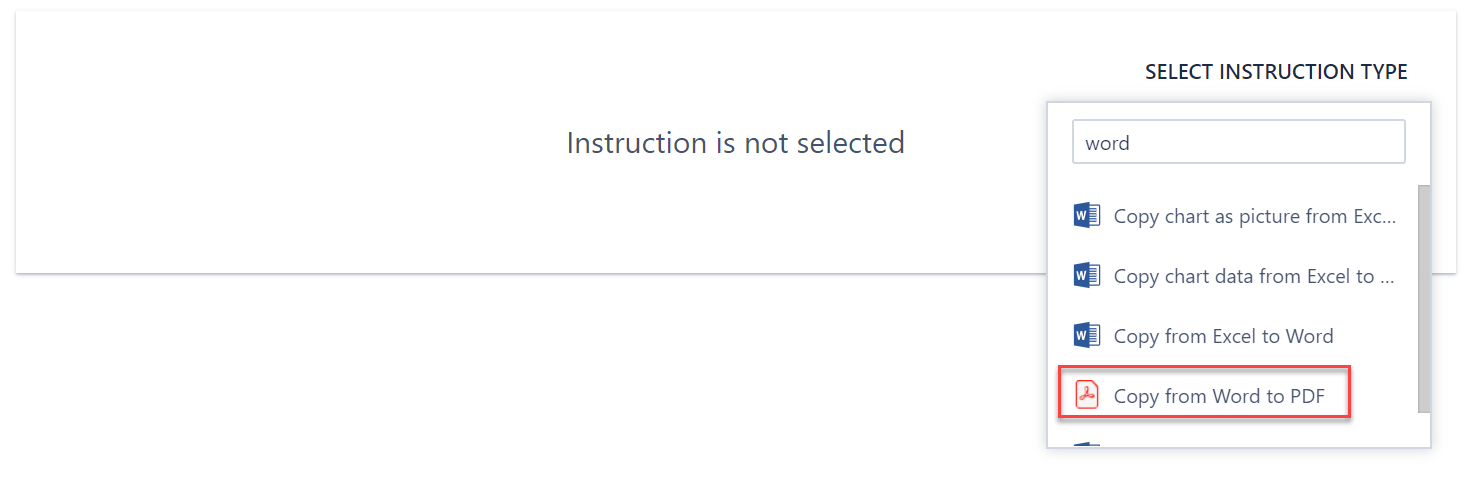
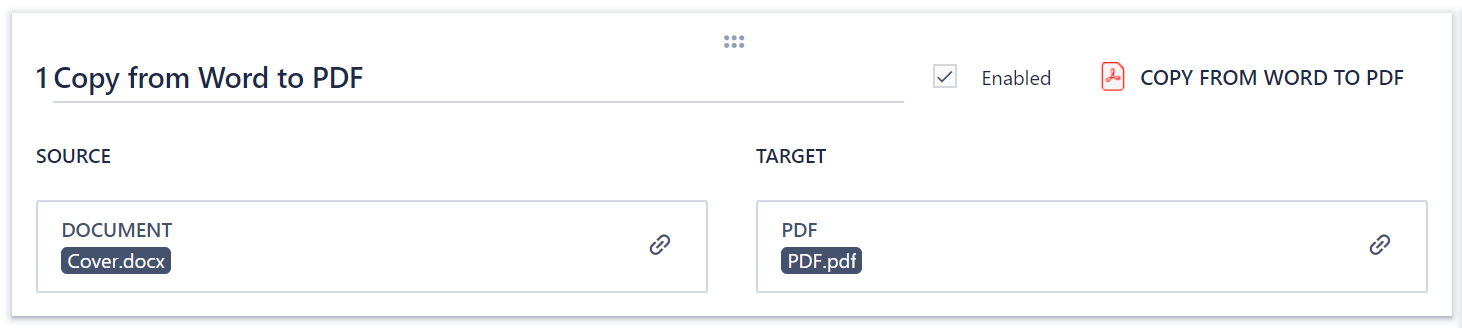
Under the Source tab, link the Word document that is to be exported, and under Target, select the blank pdf uploaded as a placeholder.
When the step in ran, the PDF output should include all pages in the Word document and with all the same format.
Comments
0 comments
Please sign in to leave a comment.