
With this data step property you can create description blocks for your data step by using a convenient markdown language.
The support of the markdown language in this box allows you to create beautiful and meaningful text blocks. Insert images, gifs, videos and use other formatting tools.
How to set up a text block data step property
1. Open the process.
2. Open the data step.
3. Create Text block data step property.
4. Click Edit button.
5. Type in your message using the Markdown language.
6. Click Save.
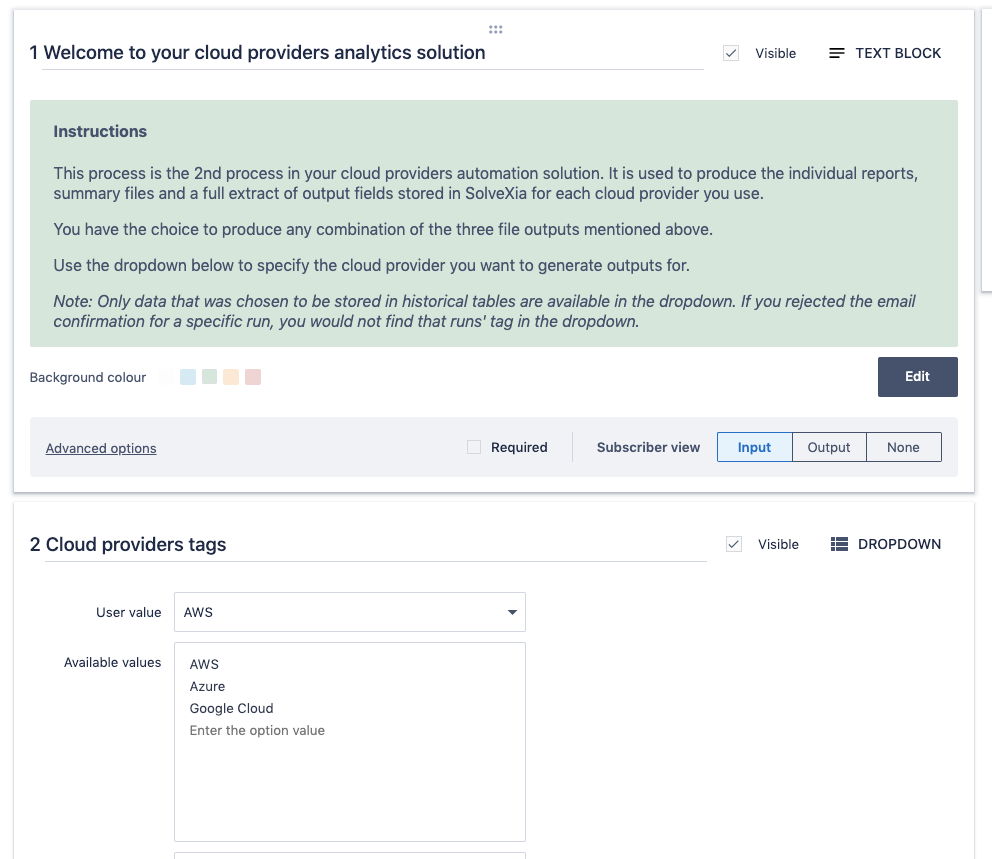
This is how it looks in Designer View:
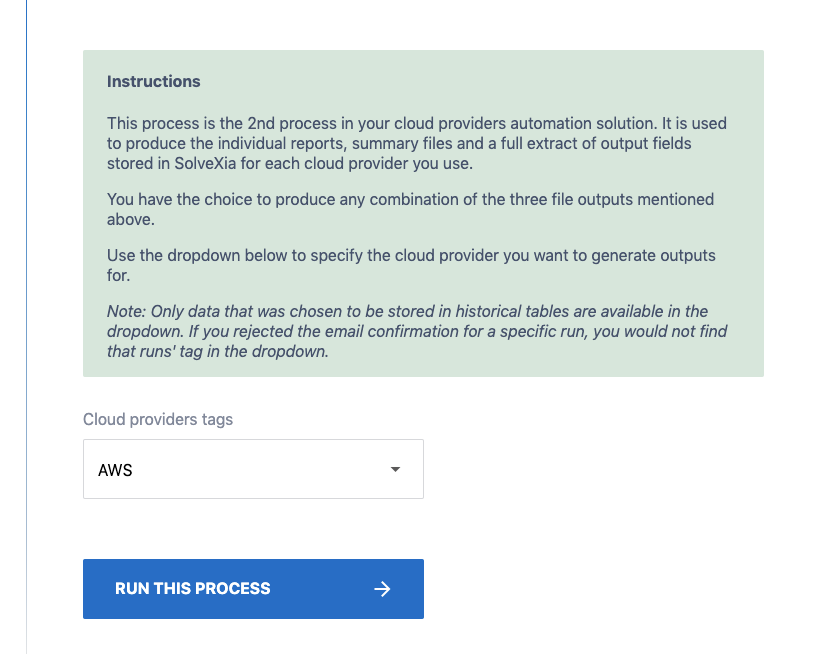
This is how it looks in Subscriber View:
Comments
0 comments
Please sign in to leave a comment.