
At times, your process may contain some complicated step dependencies, or the steps themselves may be quite difficult to understand. In such cases, it would be convenient for yourself as well as other designers to add notes to certain parts of a process to write in personal comments that would be beneficial to users of the process.
How to create a step note
1. Open the process.
2. Open the step you want to add notes to.
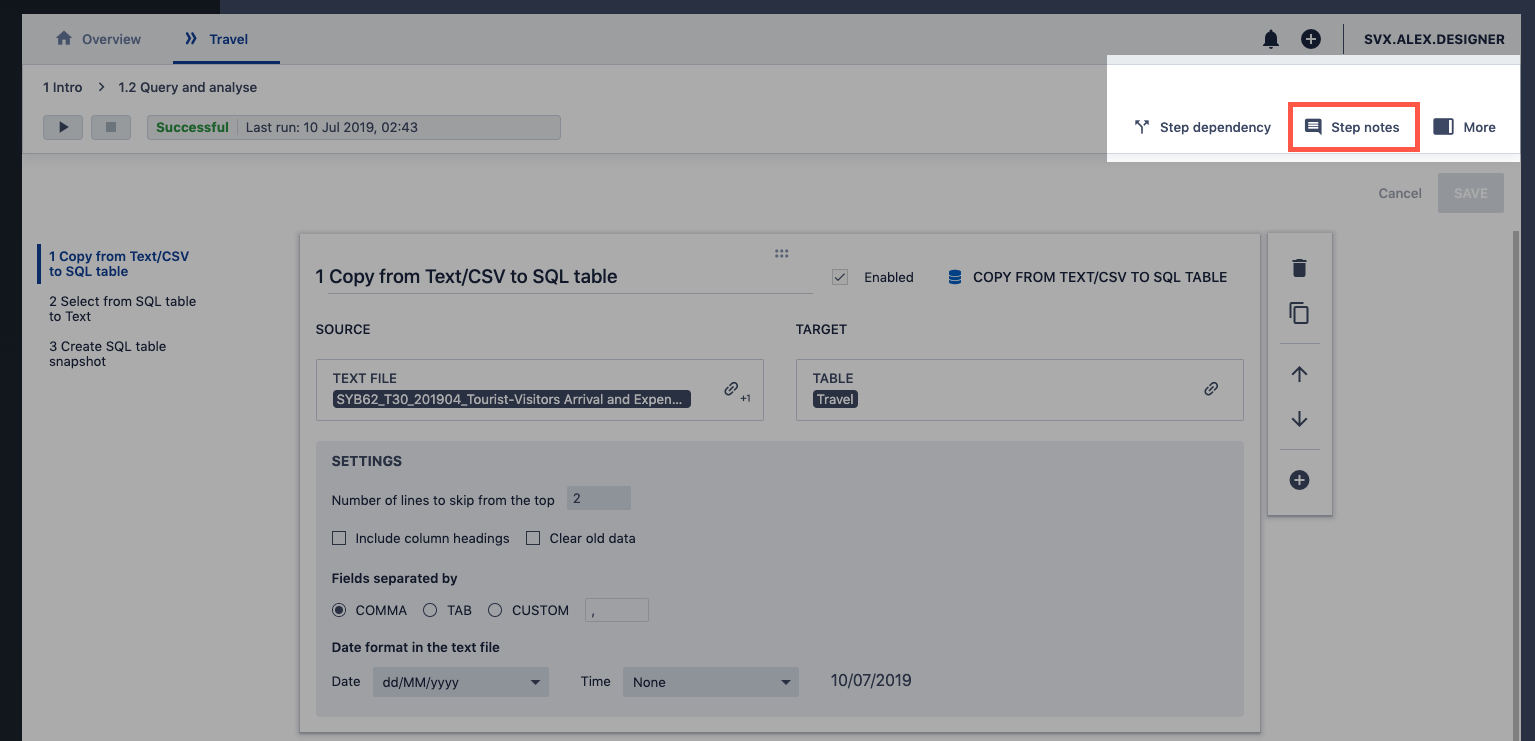
3. Click on Step notes item at the top bar.
4. Type in your notes in the the modal with the editor.
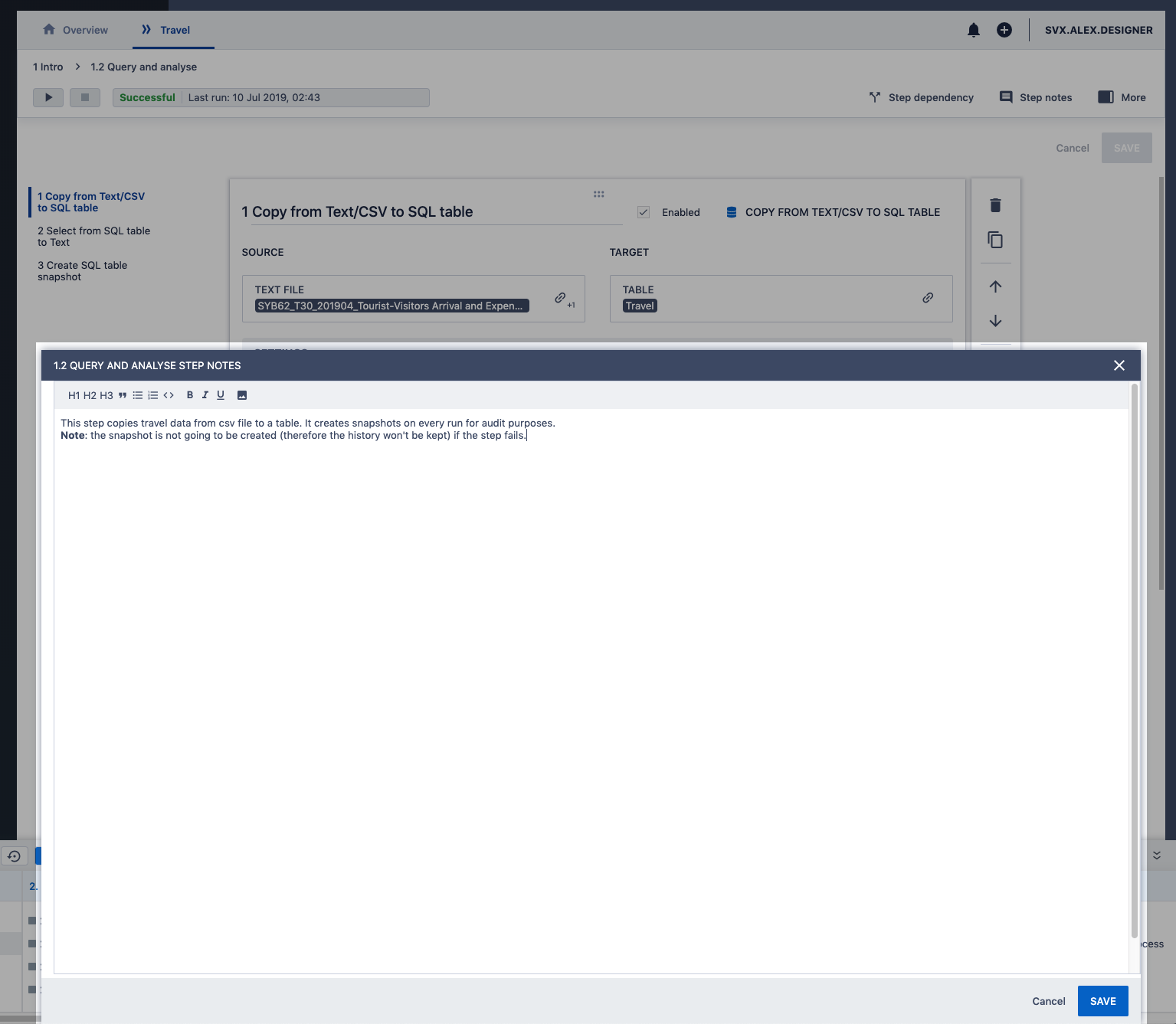
5. Click Save.
How to open step notes from the process view
1. Open the process.
2. If the step in the process has notes it will have a little icon next to it.
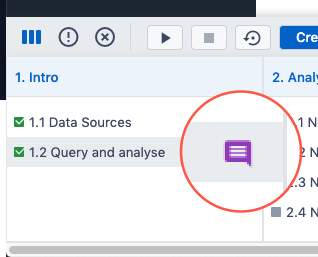
3. Click on the Notes icon. This will open a modal where you can view or edit step notes.
Comments
0 comments
Please sign in to leave a comment.