
If your process uses a lot of files, especially from other processes, sometimes it's handy to review them in one place. This is a useful way of understanding the interactions that a process might have with other processes – as well helping providing a clear insight into the information being managed and produced by a process.
How to view all files used in the process
1. Open the process.
2. Click on the menu item on the left Files.
3. View the table of files that the process uses.
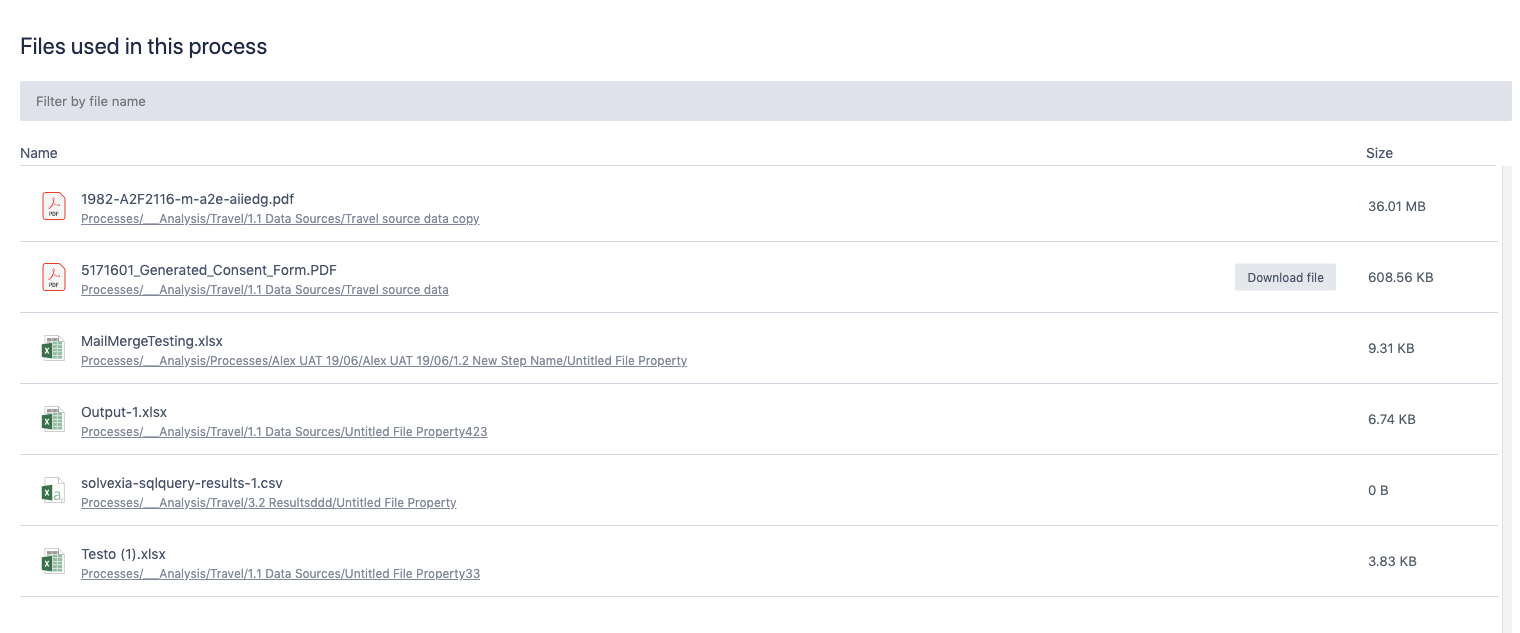
You can download each file, view it in another tab or navigate to the step that holds that file from the table.
Comments
0 comments
Please sign in to leave a comment.