
If you want to rename a virtual table or update the description of a virtual table, then the properties tab of a virtual table will allow you to do that.
How to change virtual table properties
1. Open a managed table.
2. Click on Properties in the left menu.
3. Here you can update the Name and Description.
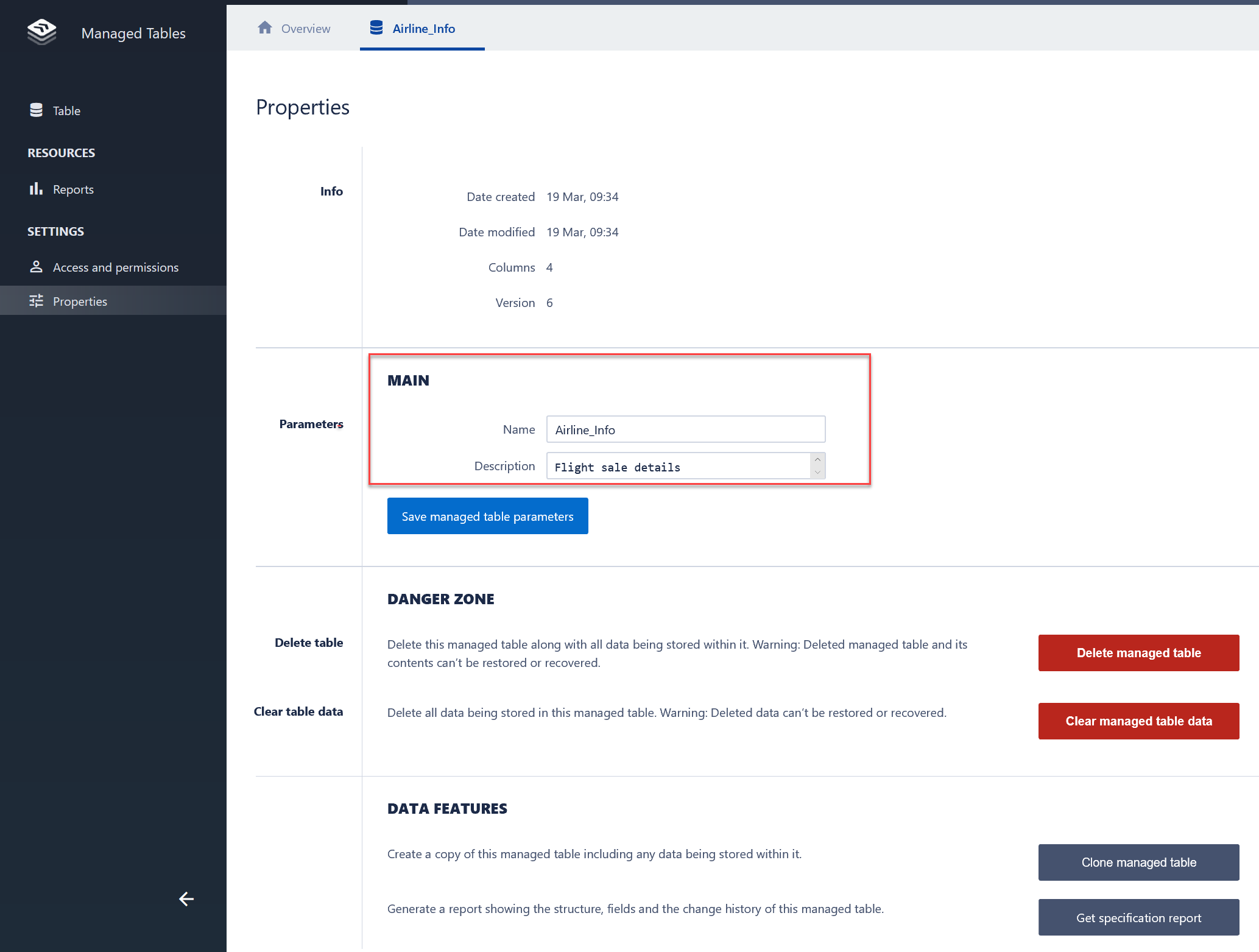
4. Hit Save managed table parameters.
Tips and Tricks
In the properties tab, you can also:
- View information about the table such as Date created, Date modified and the Number of columns in the table.
- Delete a managed table
- Clear data from a managed table
- Copy (Clone) a managed table
- Get a specification report (which details all the changes that have been made to the managed table)
Comments
0 comments
Please sign in to leave a comment.