
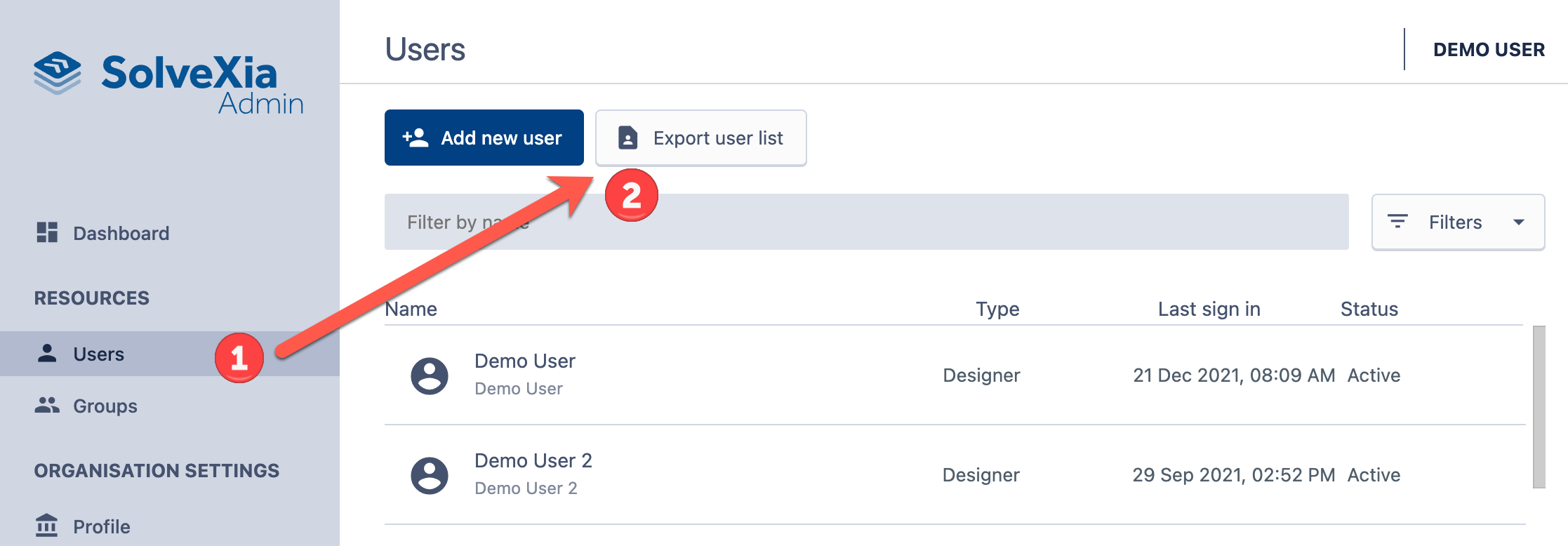
Client admins can export a list of all users in their SolveXia environment to a CSV file.
To do this, please open the SolveXia Admin screen (see how) and:
1. Select Users; and
2. Click "Export User List"
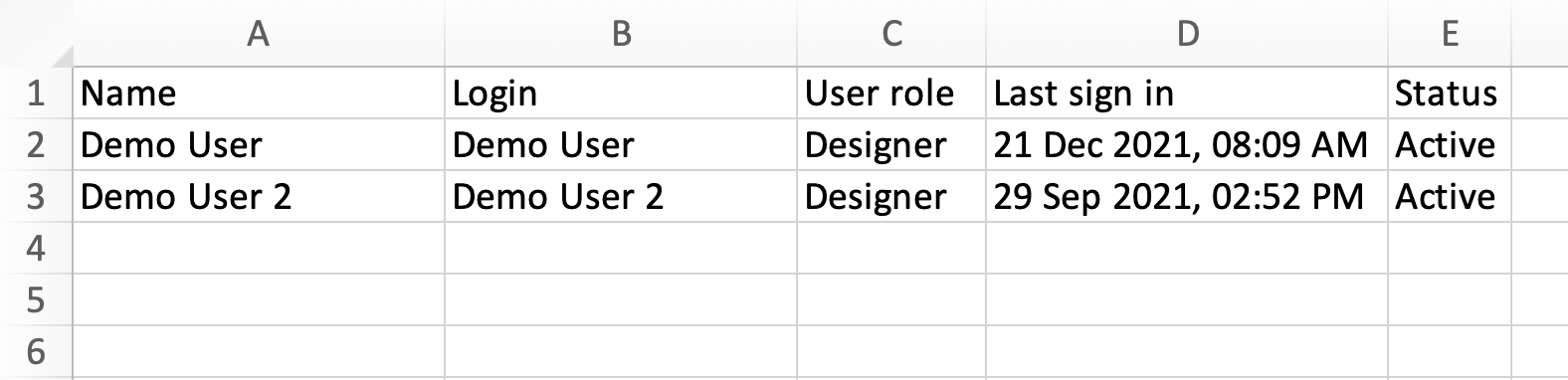
SolveXia will then generate a CSV file containing all of the users in your environment:
Comments
0 comments
Please sign in to leave a comment.