
The "Add comment to cell" instruction allows the user to insert a comment to a cell(s) inside an Excel spreadsheet. This can be useful to add any relevant notes to the associated cell/cell range.
Creating the step
1. First, you will need to create an action step as "Manipulate Data".
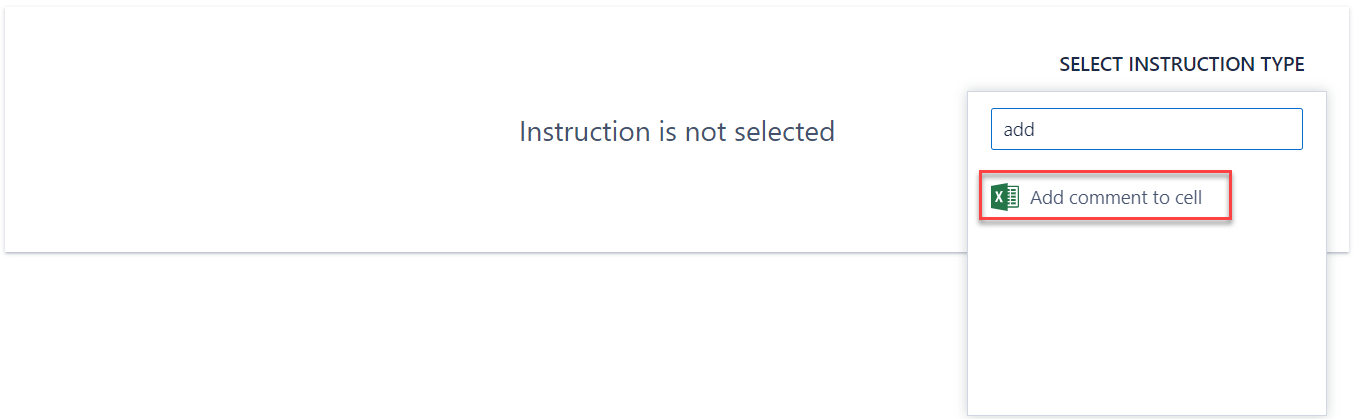
2. You can then add an instruction, selecting "Add comment to cell" from the list of available instructions:
3. You will then need to configure the details for the instruction:
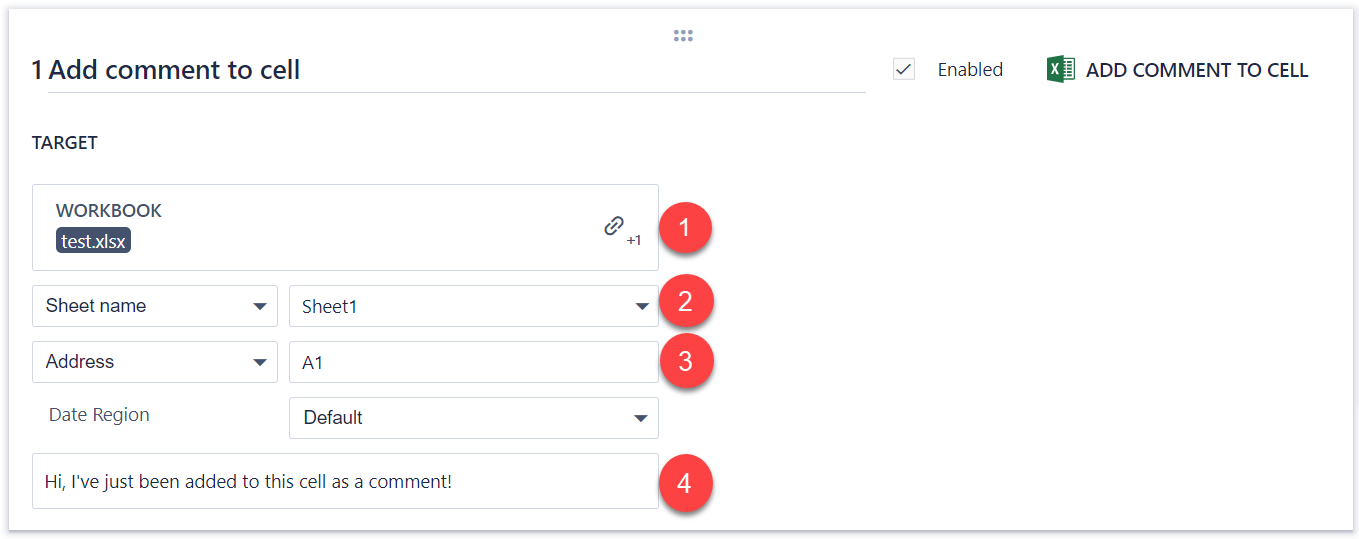
It is quite simple to configure this instruction:
1. Link to an Excel file stored in a data step property in a SolveXia process
2. Select the relevant Sheet
3. Indicate the relevant cell/cell range
4. Type in the desired comment
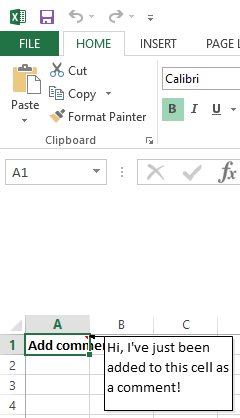
If you have done this successfully and run the step, the cell will now contain the comment:
Comments
0 comments
Please sign in to leave a comment.