
The insert column instruction allows you to insert columns before a particular column within an Excel worksheet.
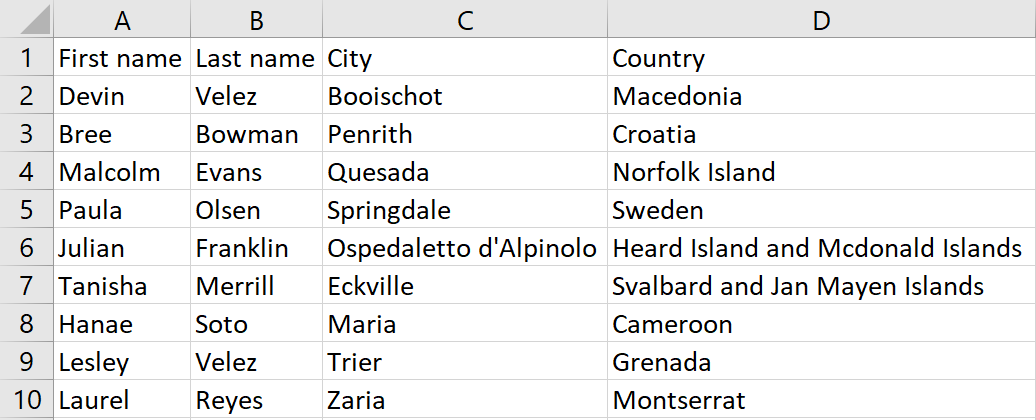
The target file that we are going to use looks like this:
Step-by-step guide
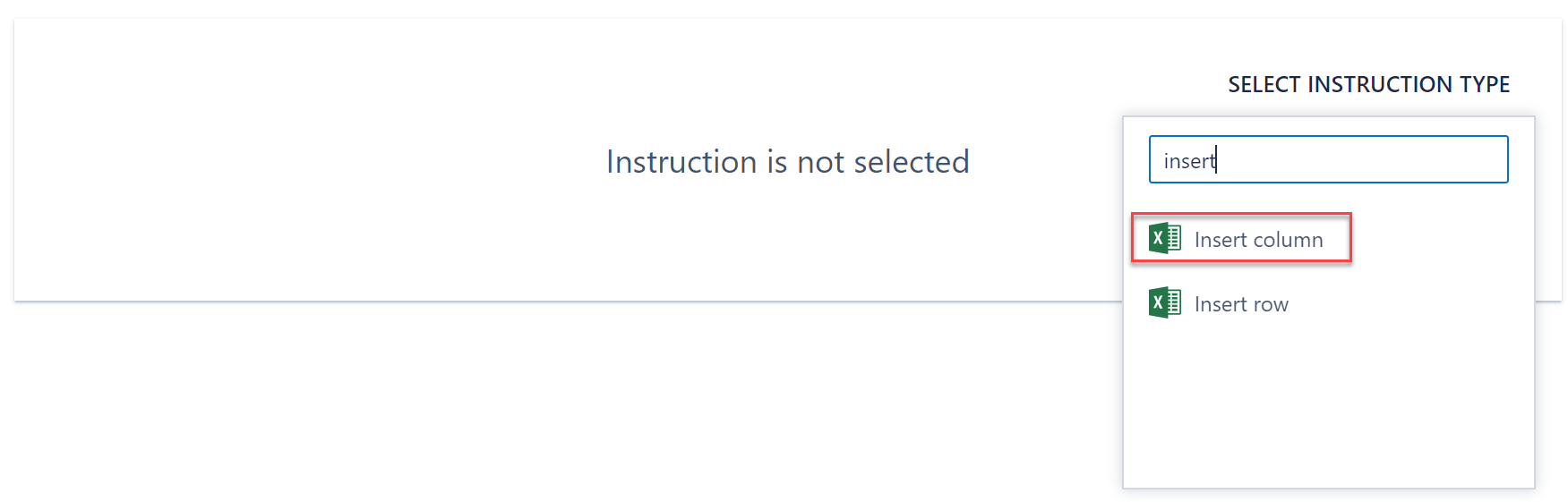
1. Create a Manipulate Data action step and add an Insert column instruction.
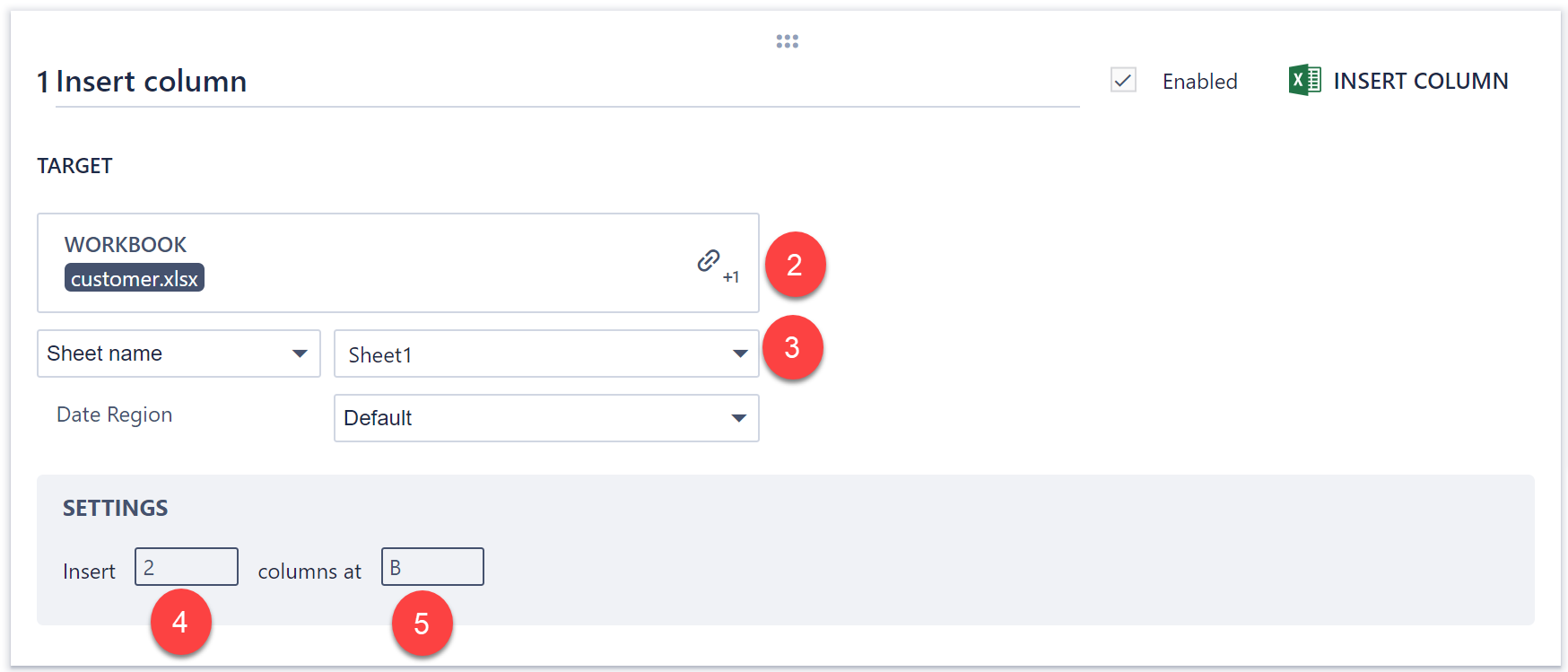
2. Link the file named “Customer.xlsx” as the target file.
3. Select Sheet1.
4. Type the number of columns you wish to insert.
5. Enter the column which you wish to insert the blank columns before.
6. Save and run the step.
7. After the step finishes running, download and open the target file. In this case, 2 columns have been inserted before column B.

Comments
0 comments
Please sign in to leave a comment.