
In some organisations the internal IT department has scheduled extracts from a core line of business system (e.g. SAP) which are then published via SFTP. These files can be accessed from a SolveXia process using the Get Files From External System step type.
This works well if there are only one or two processes that need those files. However, if there is a team of process designers needing to build processes using those files then fetching them via SFTP at the start of each process is not necessarily ideal. An alternative is to have a single process responsible for fetching those files and then making them available via a holding process.
Overview
Two processes are needed:
1) a Load Data process to fetch the files. This is also a good place to add validation and any required transformation to those files, such as converting from one format to another.
2) a 'Latest Files' process which contains nothing other than data placeholders for the latest set of files. This process is never run but acts as a container for the latest set of files. This process is needed because the latest files in the Load Data process are always in a process run - and it is not possible to link to 'the latest' process run from another process.
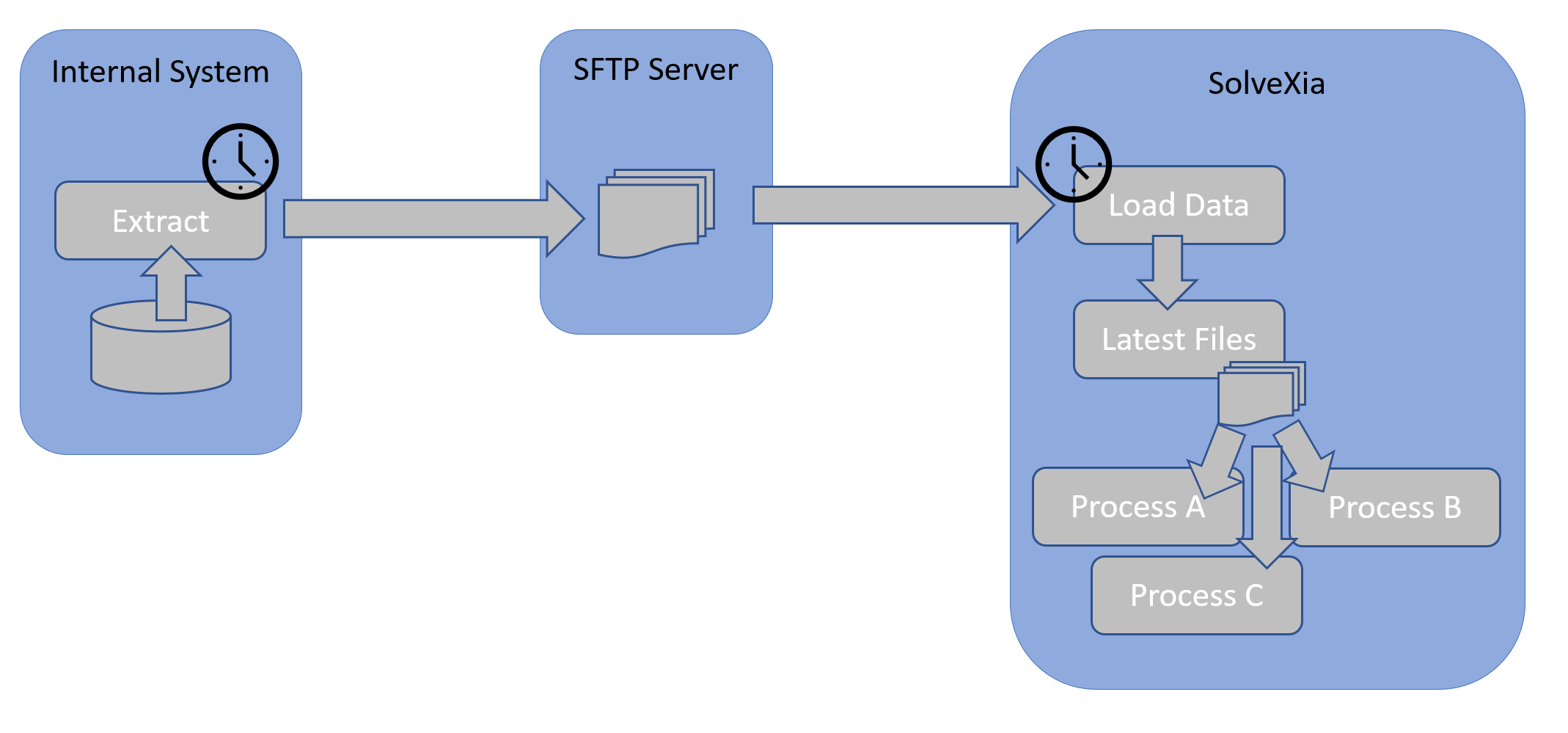
Any process designer that wishes to use those files then simply copies the files from Latest Files into their own processes at the start of their process (e.g. processes A, B, C in diagram).
Steps
1. First create the Latest Files process and add a Data Step with placeholders for the files you will be fetching. Learn how to add data steps here.
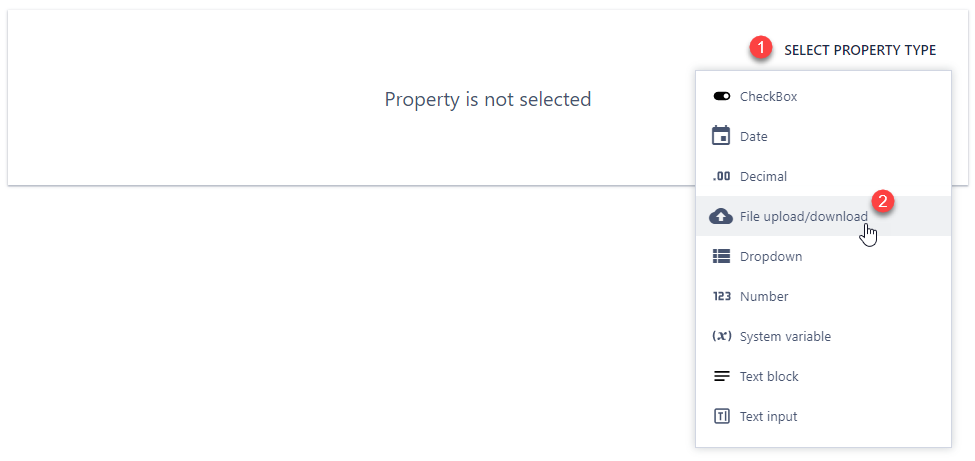

2. Next create the Load Data process. To fetch the files then add:
1) an Action Step of type Get Files From External System. This needs to be configured with the SFTP details (servername, username, password).
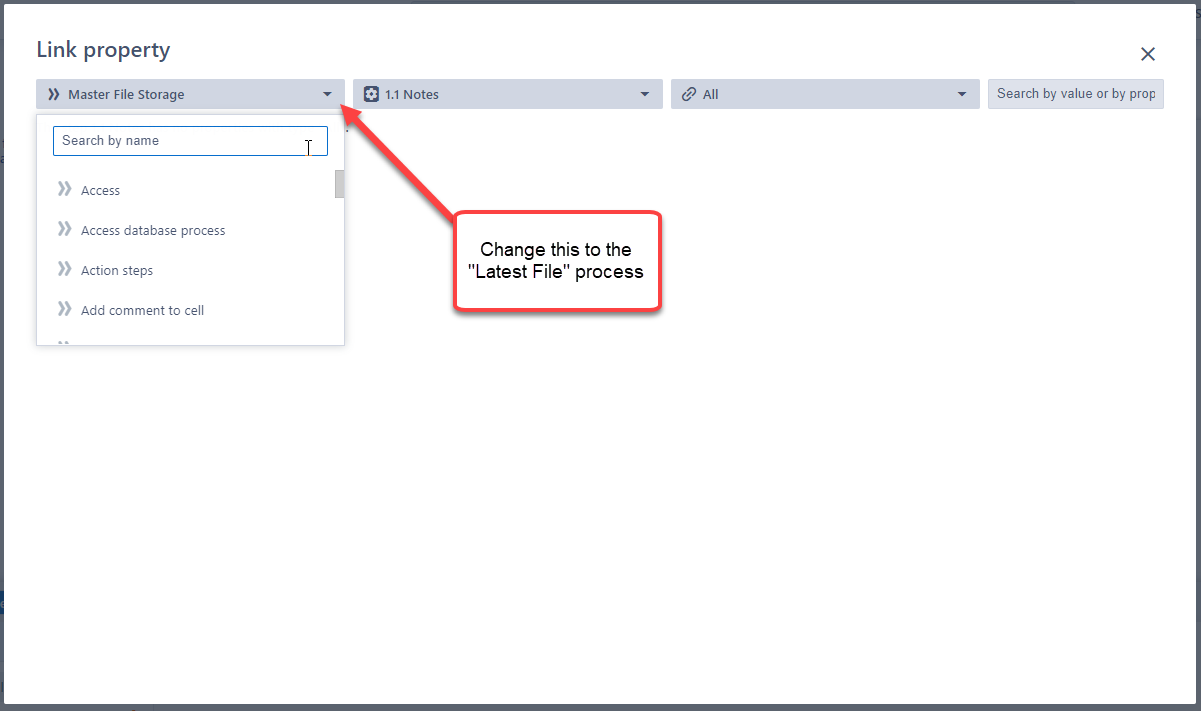
2) an Action Step of type Copy Properties Between Steps. Add an entry for each file fetched via SFTP. For the source file connect to the output files of the SFTP step and for the target file specify the data placeholder for the file in the Latest Files process. Note that when specifying a file on another process you will need to search for that process.
Comments
0 comments
Please sign in to leave a comment.