
Convert file format is a special step that combines an action and data step together. This step allows you to convert a batch of Excel files into pdf.
You can add this step by adding "Add action step" and double-clicking on "Convert file format" under Manipulating Data.
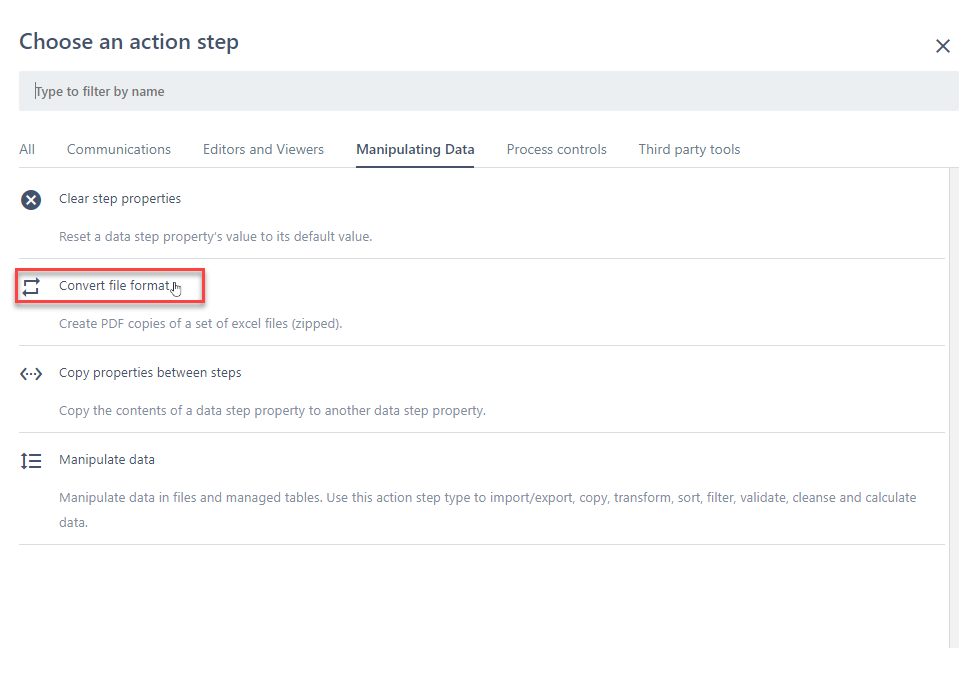
Once you've added this step, you will be allowed to link the file(s) you want to convert.

1. A list of files you can link to the step. Note: This step allows you link multiple files.
2. You will need to enter the name of the zip that houses all the converted files.
Note: The output zip is stored in this step as opposed to how a file is generally stored in a data step.
Comments
0 comments
Please sign in to leave a comment.